ImageViewer
A media gallery with a main display stage and a navigable thumbnail strip. Supports images, direct video files, and YouTube links. Two layouts are available: side (default — vertical thumbnail strip on the left) and below (horizontal strip beneath the main image). Optional auto-advance, forward/back arrows, and lightbox integration are included. When navigating to a YouTube item the caption automatically fetches and displays a Video Credit link to the video's channel via the YouTube oEmbed API.
Side Layout (Default)
Thumbnails appear in a scrollable vertical strip on the left. This is the default layout —
no ->layout() call is needed. Clicking the main image opens it in a lightbox.


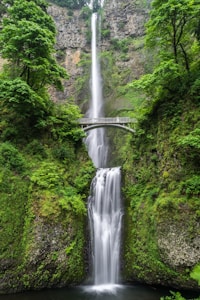






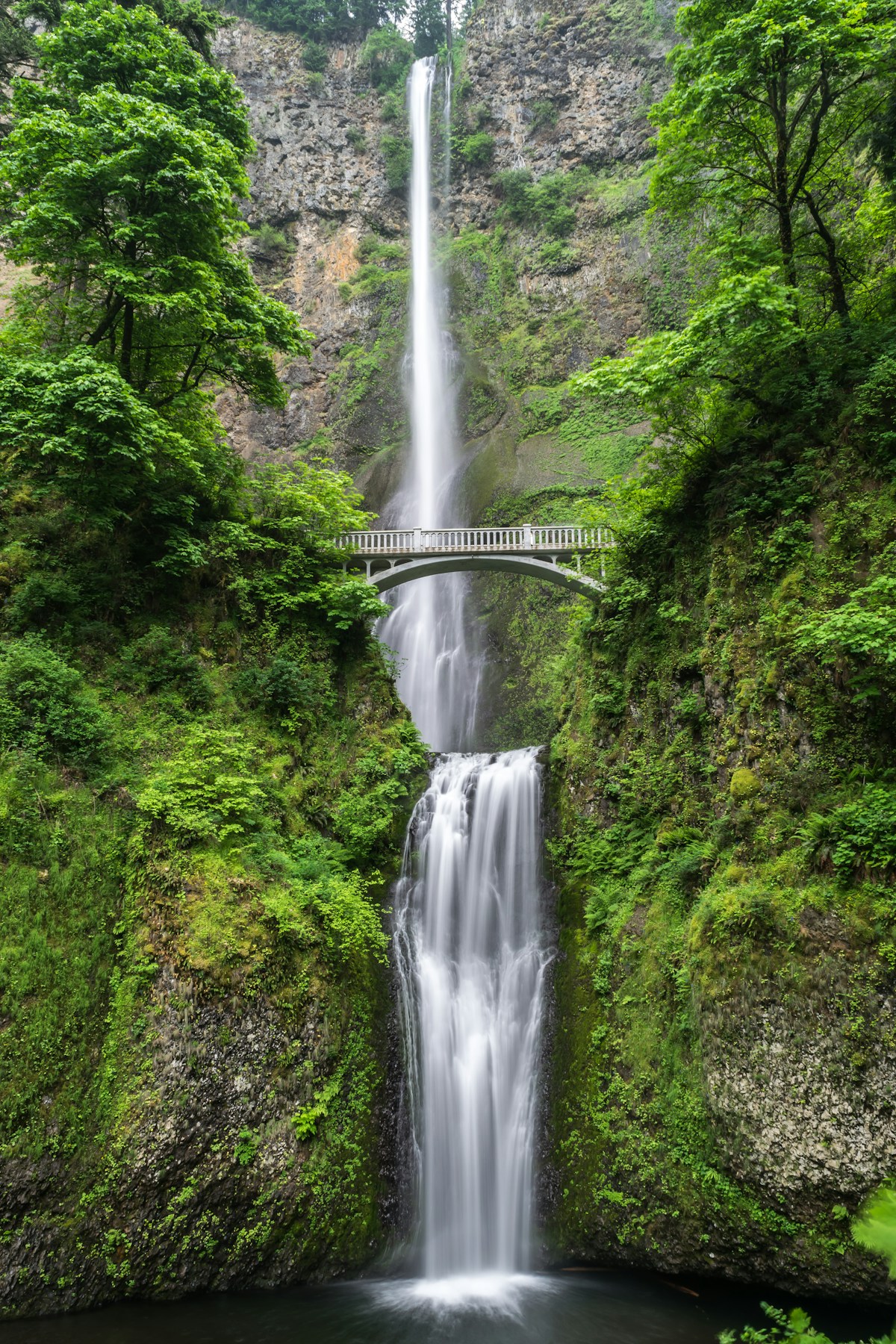



Below Layout
Thumbnails appear in a scrollable horizontal strip below the main image.
Use ->layout(\'below\') to enable this mode.
Auto-Advance
Enable auto-advance with ->autoAdvance() (default: off).
The interval defaults to 4 000 ms and can be changed with ->interval($ms).
Clicking a thumbnail or navigation arrow resets the timer.
Custom Thumbnail Size
Use ->thumbSize($width, $height) to control thumbnail dimensions (any CSS length).
Default is 80px × 60px.
With Direct Video
Pass a direct video URL (MP4, WebM, etc.) to ->addVideo() to embed a
native HTML video player as one of the gallery items. A custom thumbnail image can
be provided as the third parameter.

PHP PHP Methods (Fluent)
| Method / Property | Parameters | Description |
|---|---|---|
$m->imageViewer($id) | ImageViewer | Create an ImageViewer component. |
->layout($layout) | self | Set thumbnail strip position: 'side' (default) or 'below'. |
->addImage($src, $thumb, $caption) | self | Add an image. $thumb defaults to $src; $caption is optional. |
->addVideo($src, $caption, $thumb) | self | Add a video. Accepts a direct URL or YouTube share/watch link. Auto-derives YouTube thumbnail when $thumb is omitted. |
->lightbox($enabled, $lightboxId) | self | Enable lightbox on main-image click. Default: false. Omit $lightboxId to auto-generate a sibling Lightbox. |
->autoAdvance($enabled) | self | Enable auto-advance slideshow on init. Default: false. |
->interval($ms) | self | Auto-advance interval in milliseconds. Default: 4000. |
->height($height) | self | Stage height (any CSS length, e.g. '400px', '50vh'). Default: 380px. |
->thumbSize($width, $height) | self | Thumbnail dimensions (any CSS length). Default: 80px, 60px. |
JS JS Methods
| Method / Property | Parameters | Description |
|---|---|---|
m.imageviewer(id) | object | Initialise (or retrieve) ImageViewer instance. |
iv.goTo(index) | | Navigate to item at index. |
iv.prev() | | Go to previous item. |
iv.next() | | Go to next item. |
iv.currentIndex() | number | Return the active item index. |
iv.startAuto() | | Start auto-advance. |
iv.stopAuto() | | Stop auto-advance. |
EVENT Events
| Event Name | Detail | Description |
|---|---|---|
m:imageviewer:change | { index } | Fired after the active item changes. |